Changelog

Every update is designed to help you achieve more.

Images now support prompt editing, version rollback, and single-item fine-tune regeneration

You can now edit prompts directly inside a project and regenerate a single image for correction or refinement without rerunning the whole set. Every pass becomes a rollbackable version, so the workflow feels more like editing than restarting.

Image editing and version rollback preview
Keep style, refine locally

Prompt

Keep the subject, composition, and visual hierarchy. Fine-tune typography and local details.

v1 Draftv2 Refinev3 Current

Edit → regenerate → rollback

Edit Scope

Single image

Versioning

Rollbackable

Mode

Reference-based edit

Highlights

  • Edit the prompt directly and refine a single image in place
  • Each regeneration creates a version chain you can review and roll back
  • Regeneration keeps the original slot so project structure stays intact

Why it matters

The image workflow used to behave like a one-shot generator. Now it starts to feel like a real editor. For creators, that means you can refine details faster without disturbing the structure of an existing project.

Try image editing
Deleted images now go to Trash first, then purge from R2 after 30 days

Deletion is no longer immediate. Artifacts now move into a unified Trash with restore support. After the retention window, the system physically removes original files, thumbnails, and historical versions from R2.

Delete

Move into Trash

Retention

30 days to recover

Locked purge

One instance runs

Final purge

R2 + DB cleared

Retention

30 days

Restore Scope

Whole group

Purge Scope

R2 + thumbs + DB

Highlights

  • Entire version chains move to Trash together and restore together
  • Trash shows only the active version to reduce noise
  • Expiration now purges originals, thumbnails, and database rows

Why it matters

This release closes both ends of the lifecycle: safer recovery for users, and cleaner storage hygiene for the system.

See project management

The PPT workflow is more complete: page previews, single-page redo, and smoother export

The article-to-deck path is much smoother now. You can follow generation page by page and redo a specific slide instead of starting the whole deck over.

Page-by-page
Per-slide redo
Slide 1
PPT workflow preview 1
Slide 2
PPT workflow preview 2
Slide 3
PPT workflow preview 3

Output

Page-based deck

Rework

Per slide

Focus

Preview + export

Highlights

  • Slide-by-slide generation is more visible and easier to follow
  • Single-slide redo reduces the cost of rework
  • Export flow is smoother and ready for actual presentation use

Why it matters

Zaokit is moving beyond single-image output toward full content delivery. The PPT workflow is a key step in that transition.

Try PPT generation

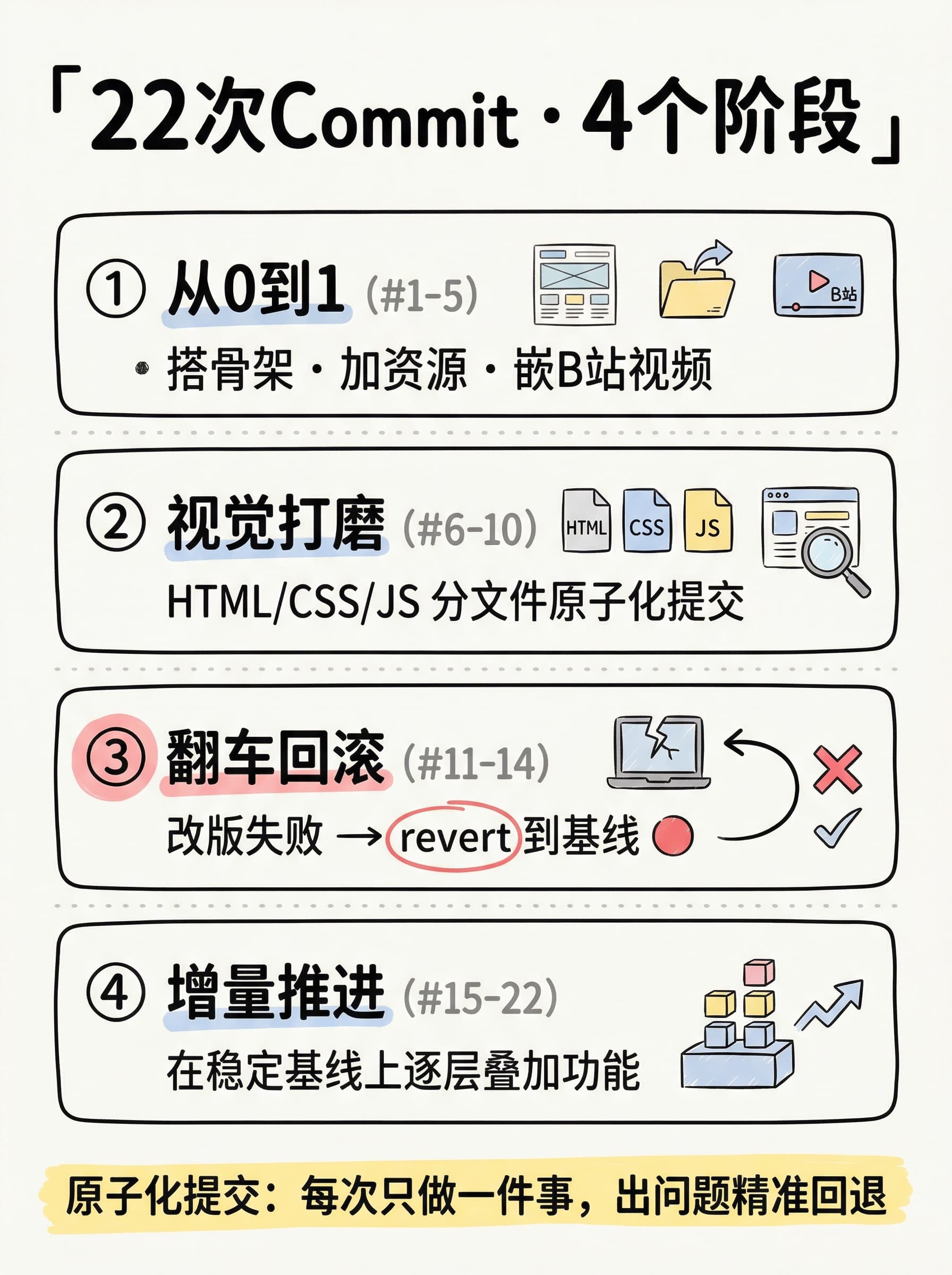
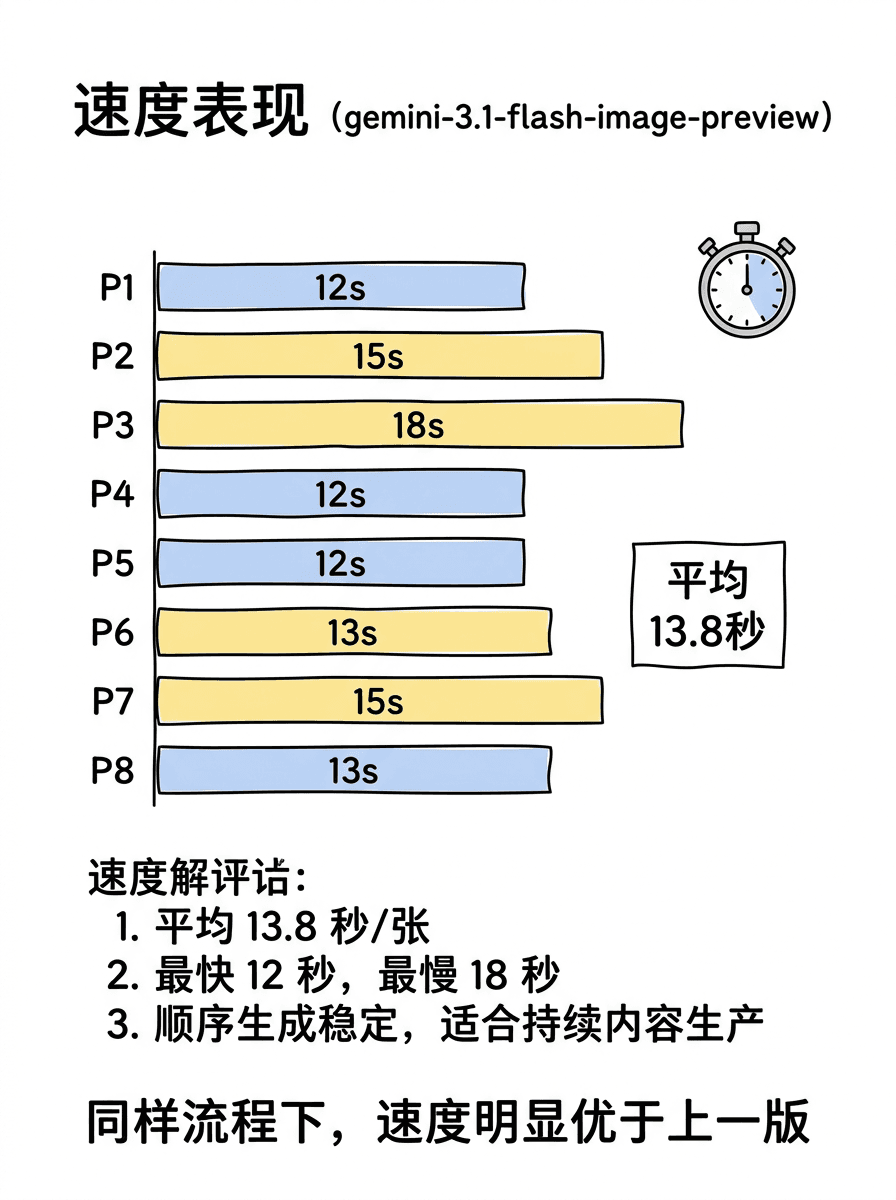
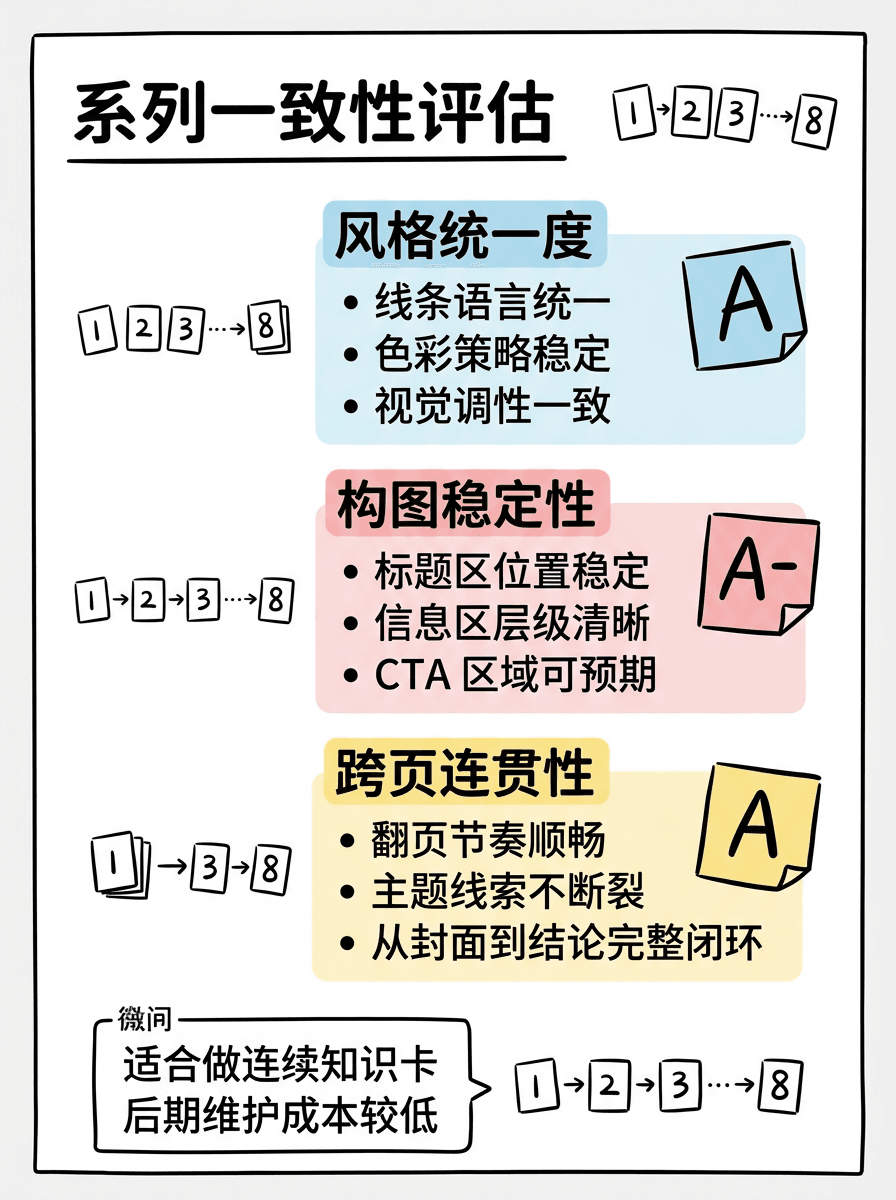
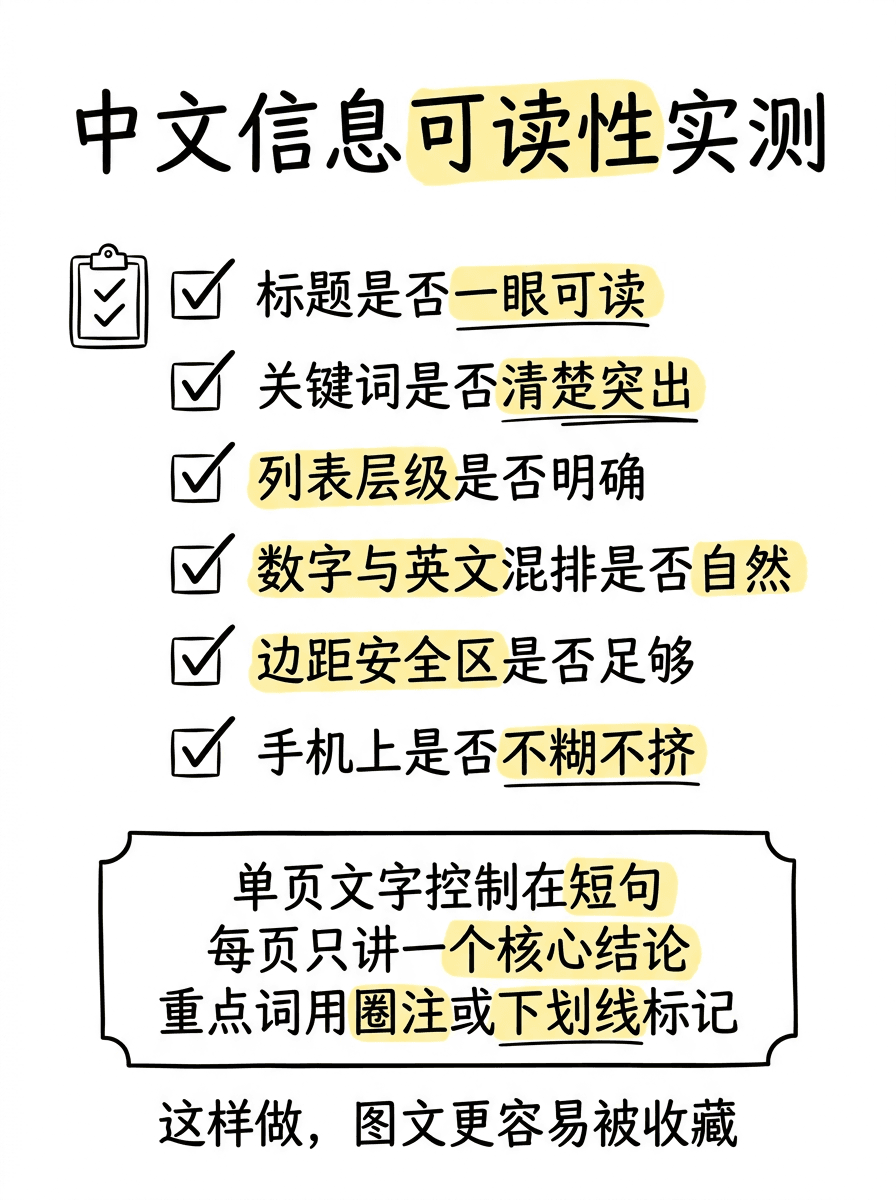
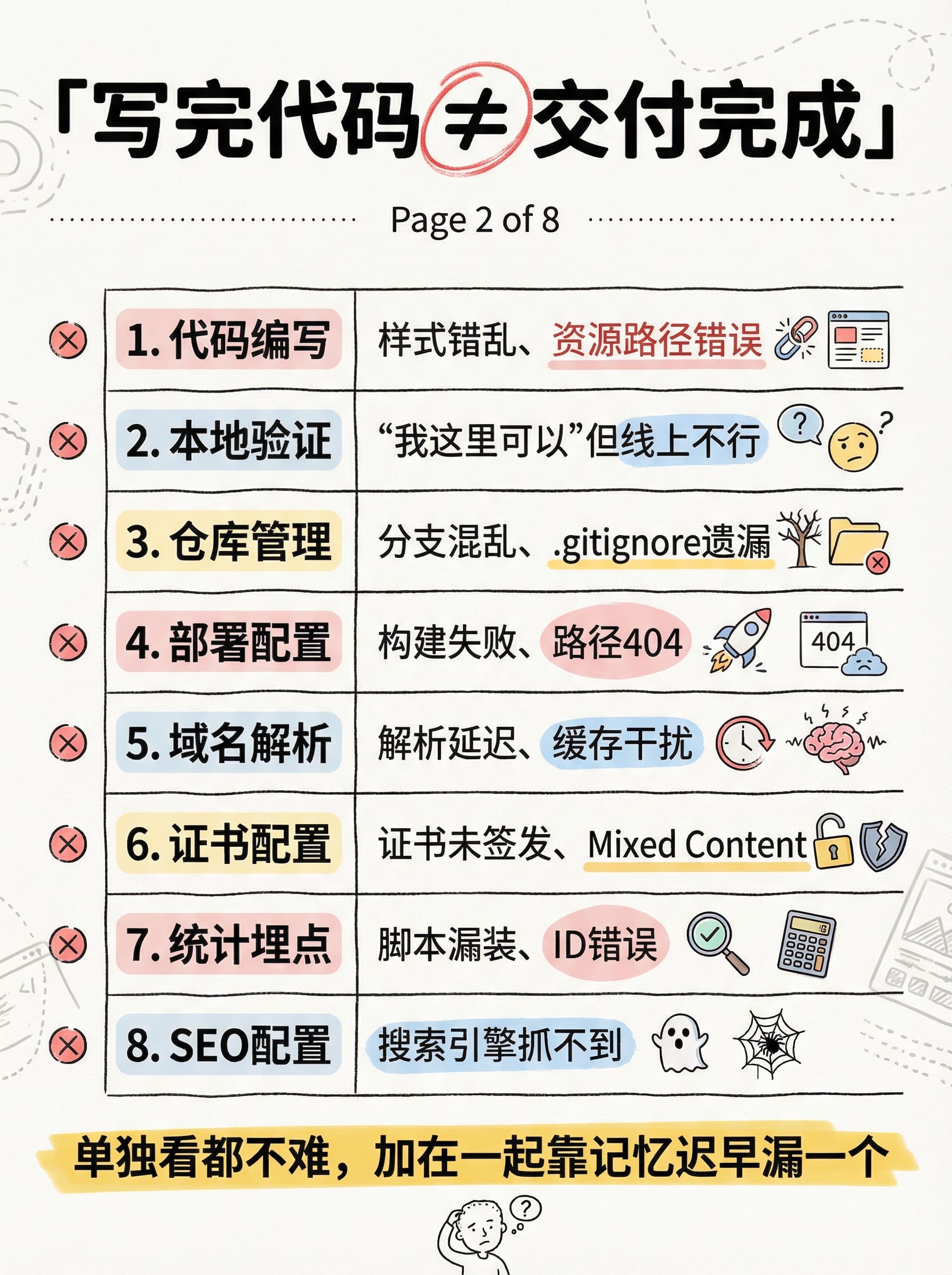
Image consistency and Chinese readability have improved, moving outputs closer to publish-ready

We kept pushing on image quality, especially consistency across multiple images, Chinese text readability, and overall stability. The goal is not occasional brilliance, but repeatable delivery.

Image quality example 1
Image quality example 2
Image quality example 3

Focus

Consistency

Text

Clearer Chinese

Use Case

Batch packs

Highlights

  • Multi-image style is tighter and better suited for packs
  • Chinese headings and key details are clearer and less muddy
  • Results are more stable under the same prompt for batch usage

Why it matters

The real pain in production is rarely a single result. It is drift across batches, unreadable text, and unstable outputs. This kind of foundation work is less flashy, but it determines whether the workflow is trustworthy at scale.

Explore examples

Want to see these updates in action?

The path from input to final visual delivery keeps getting smoother.